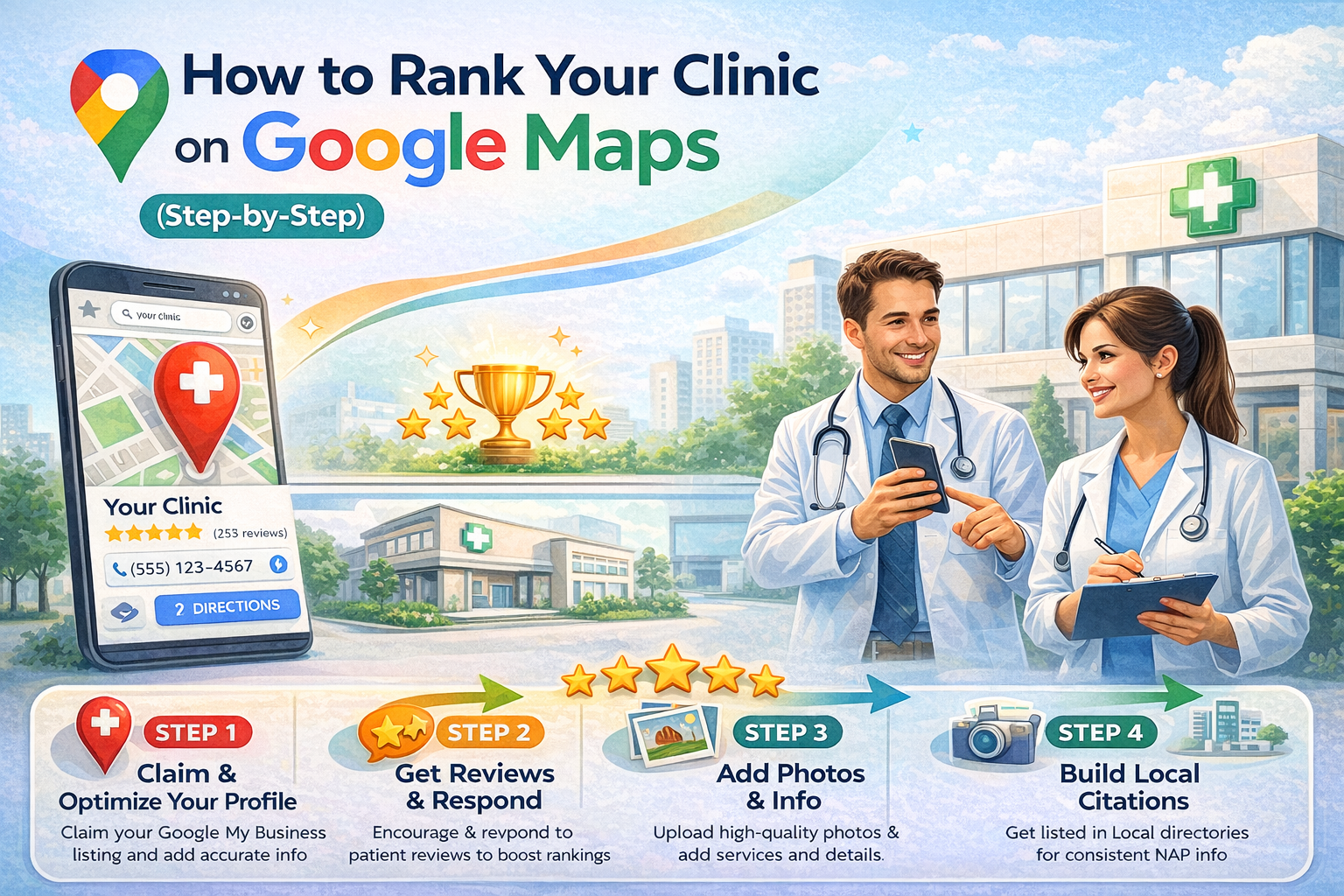
When patients search for services like “dentist near me” or “dermatologist nearby,” the first thing they see is Google Maps. These top listings receive the majority of clicks, calls, and appointment bookings.
If your clinic is not ranking on Google Maps, you are missing out on high-intent patients who are ready to visit.
This guide explains how to improve your clinic’s visibility on Google Maps using proven local SEO strategies.
Why Google Maps Ranking Matters for Clinics
Google Maps rankings directly impact patient acquisition. Unlike social media, where users are browsing, people searching on Google Maps already have intent. They are actively looking for a clinic in their area.
Appearing in the top three results, often called the “local pack,” significantly increases your chances of getting calls and directions.
For most clinics, this is one of the highest-converting traffic sources.
Step 1: Optimize Your Google Business Profile
Your Google Business Profile is the foundation of your Google Maps ranking.
Ensure that all your information is complete and accurate. This includes your clinic name, address, phone number, website, and business hours. Consistency across all platforms is important for credibility.
Choose the correct primary category, such as dental clinic, dermatology clinic, or pediatric clinic, and add relevant secondary categories where applicable.
Write a clear and keyword-focused business description that explains your services and location.
Step 2: Use Keywords Strategically
Keywords help Google understand what your clinic offers and when to show your listing.
Include relevant keywords naturally in your business description, services, and posts. For example, if you are a dental clinic, phrases like “braces treatment,” “teeth whitening,” or “dental implants” should be included.
However, avoid keyword stuffing, as it can negatively impact your visibility.
Step 3: Get More High-Quality Reviews
Reviews are one of the most important ranking factors on Google Maps.
Clinics with more positive reviews and higher ratings tend to rank better. Encourage satisfied patients to leave reviews after their visit.
Make the process simple by sharing a direct review link. Consistency is key. A steady flow of reviews is more effective than receiving many reviews at once.
Responding to reviews, both positive and negative, also signals activity and builds trust.
Step 4: Add High-Quality Photos and Videos
Visual content improves engagement and increases trust.
Upload real images of your clinic, treatment rooms, staff, and before-and-after results where appropriate. Videos can also help showcase your clinic environment and expertise.
Regularly updating photos signals to Google that your profile is active, which can positively influence rankings.
Step 5: Post Regular Updates on Your Profile
Google Business Profile allows you to publish updates, offers, and announcements.
Posting regularly keeps your profile active and provides additional information to potential patients. You can share treatment highlights, patient success stories, or promotional offers.
These posts also give you an opportunity to include relevant keywords and calls-to-action.
Step 6: Ensure NAP Consistency Across the Web
NAP stands for Name, Address, and Phone number.
Your clinic’s NAP details should be consistent across all platforms, including your website, directories, and social media profiles. Inconsistent information can confuse search engines and affect your rankings.
Make sure your details match exactly everywhere they appear online.
Step 7: Build Local Citations
Citations are mentions of your clinic on other websites, such as local directories and healthcare platforms.
Listing your clinic on trusted directories increases your online presence and strengthens your local SEO. Ensure that all listings are accurate and consistent.
Quality matters more than quantity, so focus on reputable platforms.
Step 8: Optimize Your Website for Local SEO
Your website plays a supporting role in your Google Maps ranking.
Include location-based keywords on your website, create service-specific pages, and ensure your contact information is clearly visible.
Embedding your Google Maps location on your website and linking your Google Business Profile can further strengthen your local presence.
Step 9: Improve Engagement Signals
User engagement also impacts rankings.
Encourage patients to click on your listing, call your clinic, request directions, and visit your website. Higher engagement signals indicate to Google that your listing is relevant and valuable.
Clear calls-to-action and attractive listings can help improve these metrics.
Step 10: Track and Improve Your Performance
Monitoring your performance helps you understand what is working.
Use insights from your Google Business Profile to track how many people view your listing, click on your website, or call your clinic.
Based on this data, you can refine your strategy and focus on areas that drive the most results.
Common Mistakes Clinics Should Avoid
One common mistake is leaving the Google Business Profile incomplete or outdated. Another is ignoring reviews or failing to respond to them.
Some clinics use incorrect categories or inconsistent contact details, which can negatively impact rankings. Others neglect regular updates, making their profile appear inactive.
Avoiding these mistakes can significantly improve your visibility.
Conclusion
Ranking your clinic on Google Maps is one of the most effective ways to attract high-intent patients. Unlike other marketing channels, it connects you directly with people who are actively searching for your services.
By optimizing your profile, collecting reviews, maintaining consistency, and staying active, you can improve your rankings and generate a steady flow of patient enquiries.
With the right strategy, Google Maps can become a powerful and reliable source of growth for your clinic.